
Visual Color Calibration
DisplayMatch
Match external display colors with your Mac display
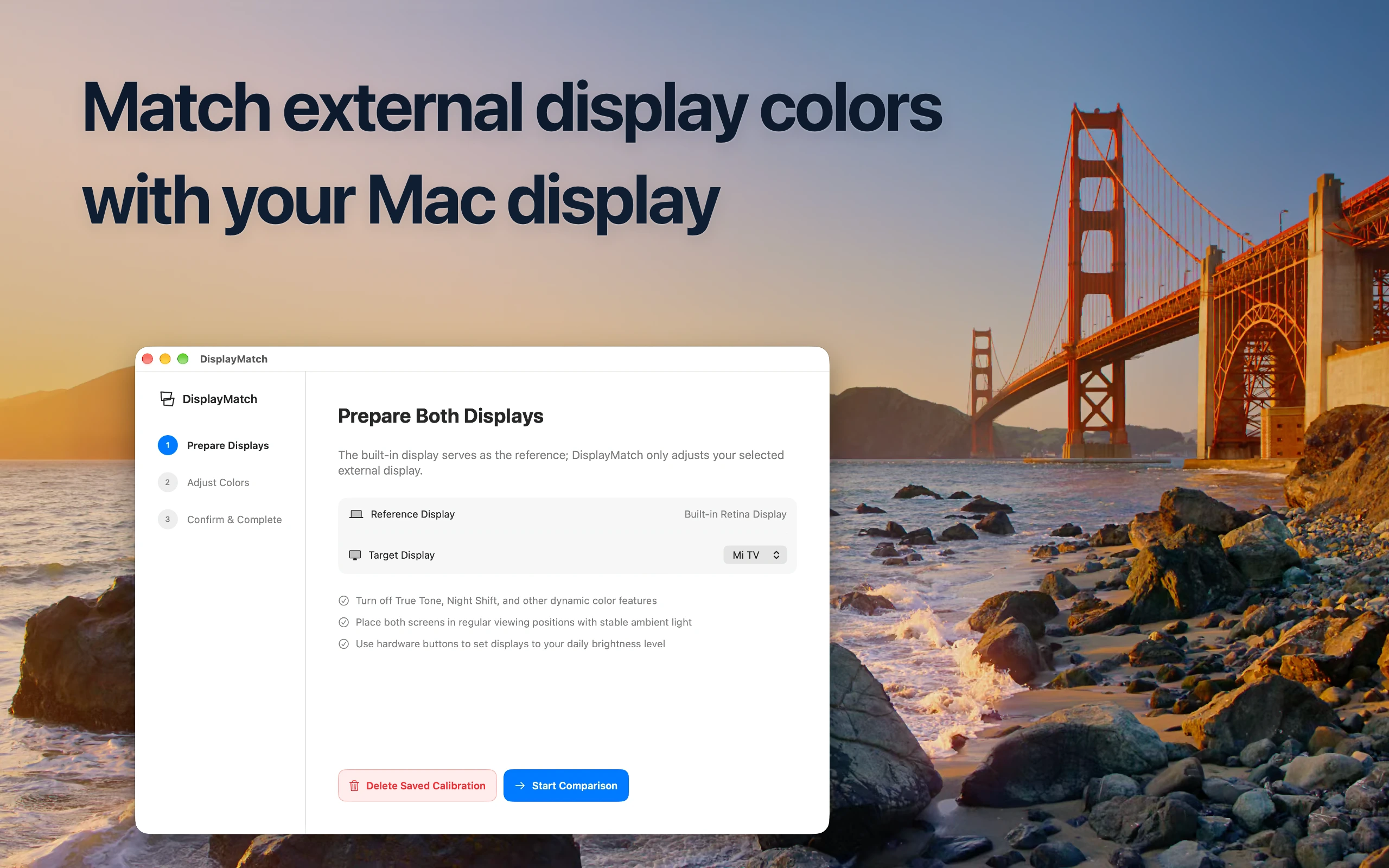
Calibrate with your eyes, not complex tools
Get your dual-monitor setup looking consistent and comfortable for everyday creativity and work.
Visual Side-by-Side Matching
DisplayMatch projects synchronized reference patterns across both screens so you can directly compare tone and contrast.
Zero Hardware Required
No need for expensive colorimeters, probes, or complex calibration profiles. Your own visual perception is the best judge.
Free Trial Included
Hardware varies widely. Try DisplayMatch for free with your specific external monitor before purchasing.
Frequently Asked Questions
Everything you need to know about visual color calibration and hardware compatibility.
Q: Can DisplayMatch make my external monitor color 100% identical to my MacBook screen?
No. Due to fundamental physical differences in display hardware—such as panel technology (IPS, OLED, Mini-LED), backlighting spectral distribution, native color gamut, contrast ratio, and surface coatings—it is physically impossible to achieve 100% identical color. DisplayMatch is designed to help your subjective visual perception get as close as possible, making dual-screen work comfortable and cohesive.
Q: What do I need to do to calibrate my display?
All you need to do is open the app and compare the reference visual patterns shown on both screens. DisplayMatch places identical test patterns side by side across your external monitor and built-in Mac display. You simply adjust the controls and select the profile that visually matches best to your eyes.
Q: Do I need a hardware calibrator or colorimeter?
No hardware equipment is required. The goal is to make your external monitor subjectively look and feel consistent with your built-in display to human eyes, rather than providing complex lab-grade instrumental measurements.
Q: Which macOS versions and external displays are supported?
DisplayMatch requires macOS 14.6 or later. Because external monitors vary widely in hardware interfaces and panel behavior, we provide a free trial so you can test compatibility and results directly on your setup before purchasing.
Q: Are AirPlay displays or iPad Sidecar supported?
Currently, AirPlay wireless displays and iPad Sidecar cannot be adjusted due to macOS display pipeline constraints.
Match your displays today
Get DisplayMatch from the Mac App Store. Free trial available.